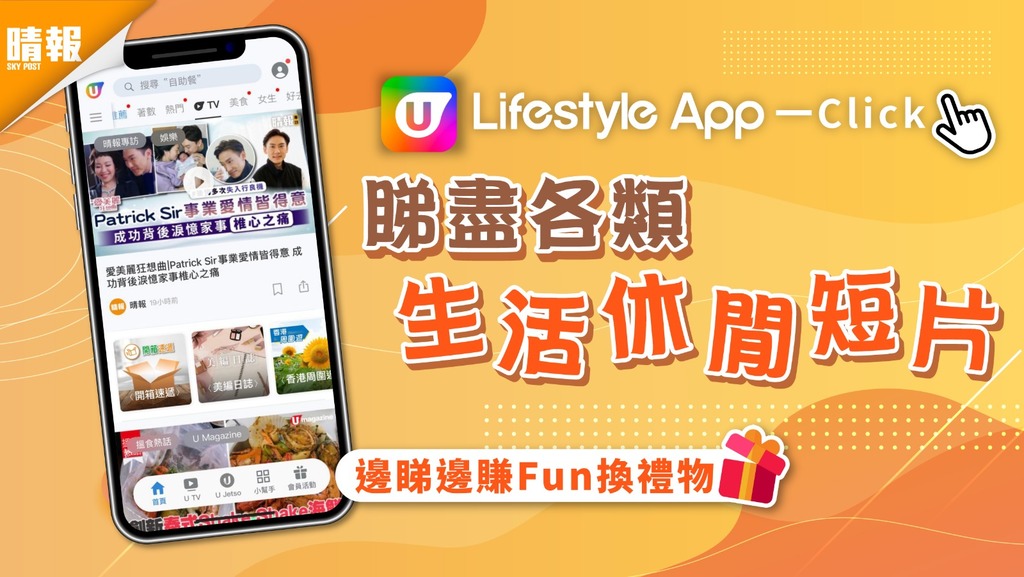
每天資訊幻變,想重溫影片,卻不知如何入手?U Lifestyle 應用程式齊集生活、玩樂、美食、購物、科技等多元化影片,只要打開應用程式,即可一覽所有影片,十分便利。
{{hket:related-document id="2931624" channel-id="514"}}【生活必備】U Lifestyle App內容應有盡有 邊睇邊賺積分贏禮品{{/hket:related-document}}
UTV登場 一按即睇 版面教學
1. 按「功能表列」或「浮動面板」上的UTV
{{hket:inline-image name="Content_UTV-01.jpg"}}{{/hket:inline-image}}
進入應用程式後,影片專區UTV 設於版面上方的「功能表列」(Menu Bar)及下方的「浮動面板」(Floating Panel),點擊其中一個即可。
2. 按「功能表列」上的UTV觀看最新影片
{{hket:inline-image name="Content_UTV-02.jpg"}}{{/hket:inline-image}}
於「功能表列」點擊UTV,可由時間順序觀看最新影片。除晴報自家製作的影片外、更包含U Magazine、港生活、U Travel、U Food、U Beauty、UBlog及Ezone多個平台的影片,齊集專訪、好去處、美食推介及科技玩物等,解決用家不同需要。
(↓點擊圖片放大各平台自家影片↓)
- {{hket:inline-image name="Content_UTV-03.jpg"}}{{/hket:inline-image}}
- {{hket:inline-image name="Content_UTV-04.jpg"}}{{/hket:inline-image}}
- {{hket:inline-image name="Content_UTV-05.jpg"}}{{/hket:inline-image}}
- {{hket:inline-image name="Content_UTV-06.jpg"}}{{/hket:inline-image}}
- {{hket:inline-image name="Content_UTV-07.jpg"}}{{/hket:inline-image}}
- {{hket:inline-image name="Content_UTV-08.jpg"}}{{/hket:inline-image}}
3. 按「浮動面板」上的UTV觀看不同類別的影片
{{hket:inline-image name="Content_UTV-09.jpg"}}{{/hket:inline-image}}
「浮動面板」上的UTV以不同類別的最新影片分類,包括美食、購物、生活、烹飪等。
{{hket:inline-image name="Content_UTV-10.jpg"}}{{/hket:inline-image}}
4. 按「精選節目」查看喜愛的節目
{{hket:inline-image name="Content_UTV-11.jpg"}}{{/hket:inline-image}}
另外,更可按「精選節目」,在超過50個自家製節目中,查看自己喜愛的節目,繼續觀看該節目以往的影片。
5. 按連結看全文
{{hket:inline-image name="Content_UTV-12.jpg"}}{{/hket:inline-image}}
短片更附內文,看完影片,一按即連結到全文。
6. 按標籤查看相關資訊/短片
{{hket:inline-image name="Content_UTV-13.jpg"}}{{/hket:inline-image}}
{{hket:inline-image name="Content_UTV-14.jpg"}}{{/hket:inline-image}}
於影片左上方或影片底部設不同標籤,如娛樂、生活、美食等,即時查看不同類別的影片和資訊。
睇片換Fun送禮物
{{hket:inline-image name="Content_UTV-15.jpg"}}{{/hket:inline-image}}
下載U Lifestyle應用程式及登記成為會員,每看完一條短片或短文內文更可賺5 U Fun,儲齊U Fun更可到UJetso 換領不同禮物,多看多送!
U Lifestyle App自家節目登錄《U TV》專區!
↓↓試玩、試食、試用影片任您睇↓↓
【立即體驗】